
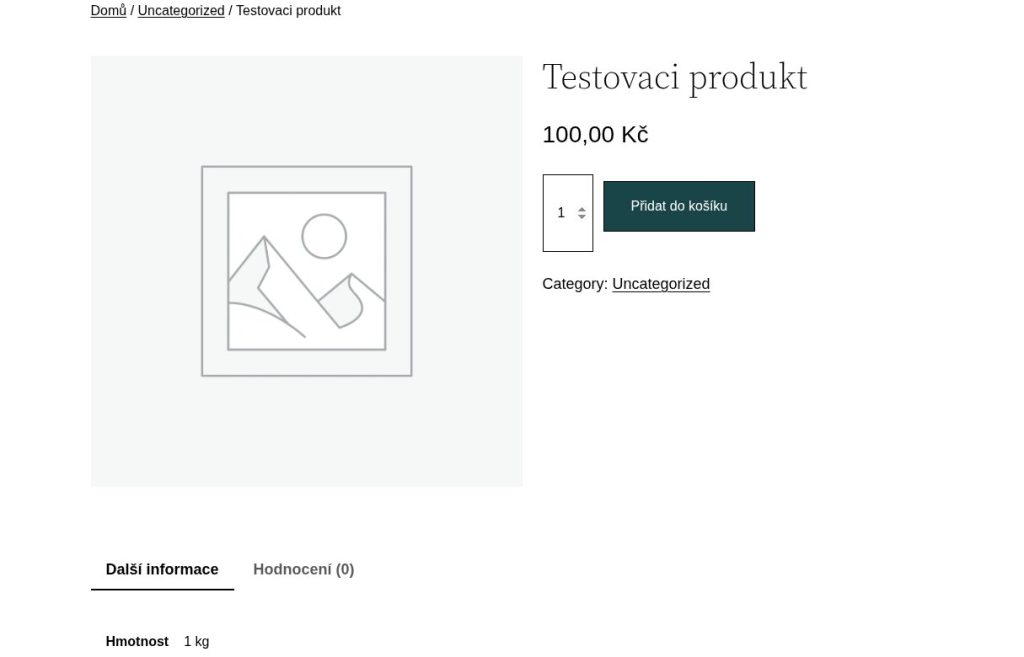
Not long ago I found that the product page on an online shop I look after would not load. Instead of a photo, a price and an add-to-cart button, there was a big heading saying “Great things are on the horizon” and a line underneath announcing that the shop would be launching soon.
Except that shop had been selling as usual for several weeks.

The home page worked, and so did the blog. Only the products, the cart and the checkout were closed – in other words, exactly the part of the site that makes money.
What it actually is
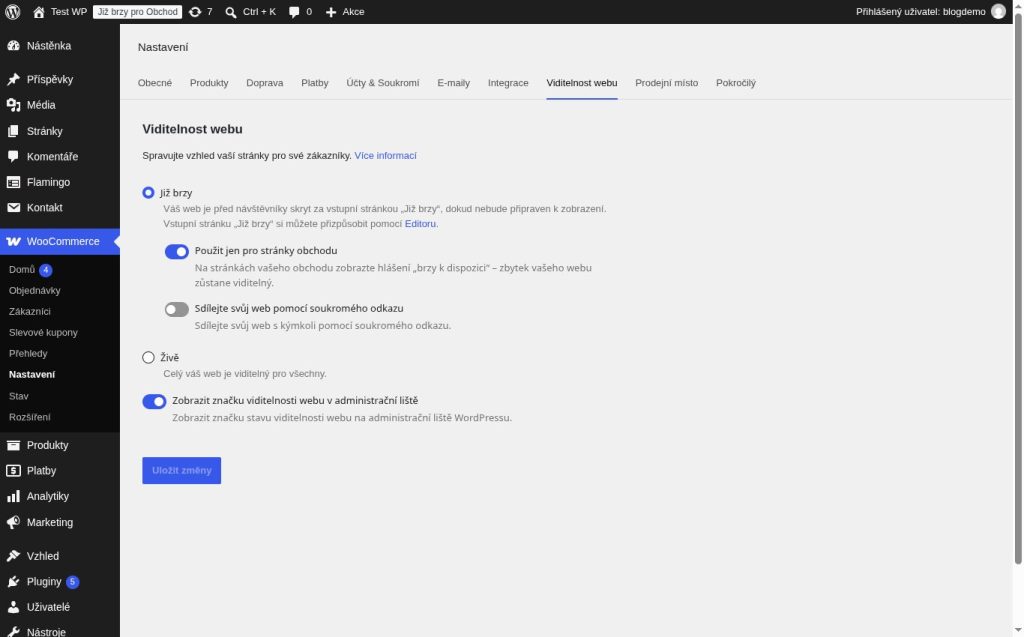
Recent versions of WooCommerce have a Coming soon mode. It is meant for shops that are still getting ready: the site is up, but instead of products, customers see a teaser. One of its variants hides only the store pages and leaves the rest of the site visible. That is exactly the one that got switched on here.
Nobody switched it on on purpose. And nobody noticed straight away.
Why nobody saw it
Because the mode only applies to visitors who are not logged in. Anyone logged into the admin sees the shop completely normally, with prices and the cart. The only clue is a small “Coming soon” badge in the top toolbar and an inconspicuous bar at the bottom of the page.
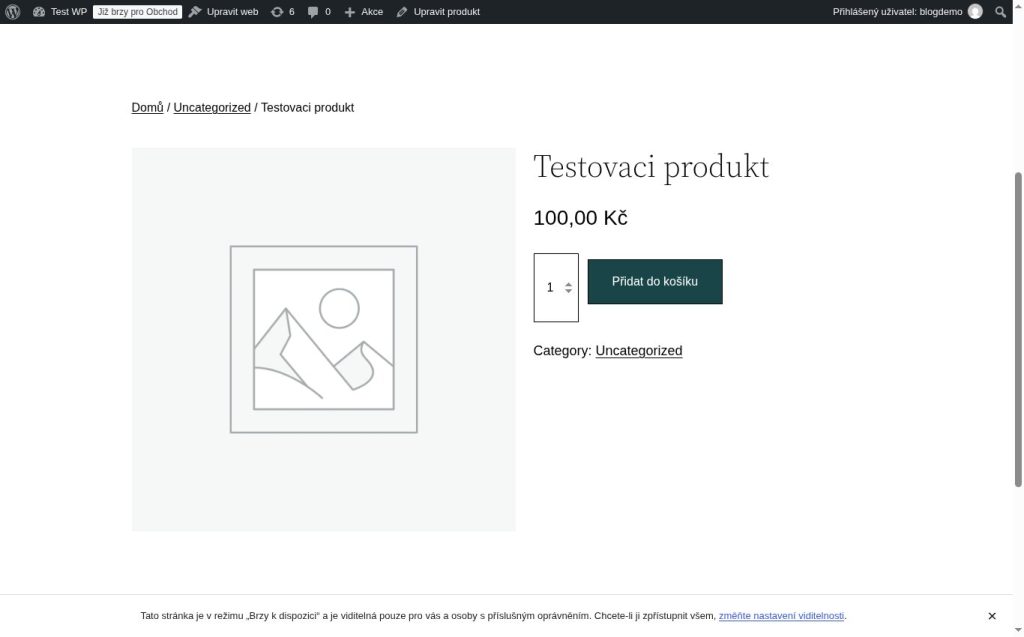
So a shop owner or administrator who opens the site in the same browser they use for the admin sees everything working. Customers do not.
How it happened
The answer was in the server access log – the record of every request that reached the site. The whole story played out in it in less than a minute:
- Someone logged into the admin.
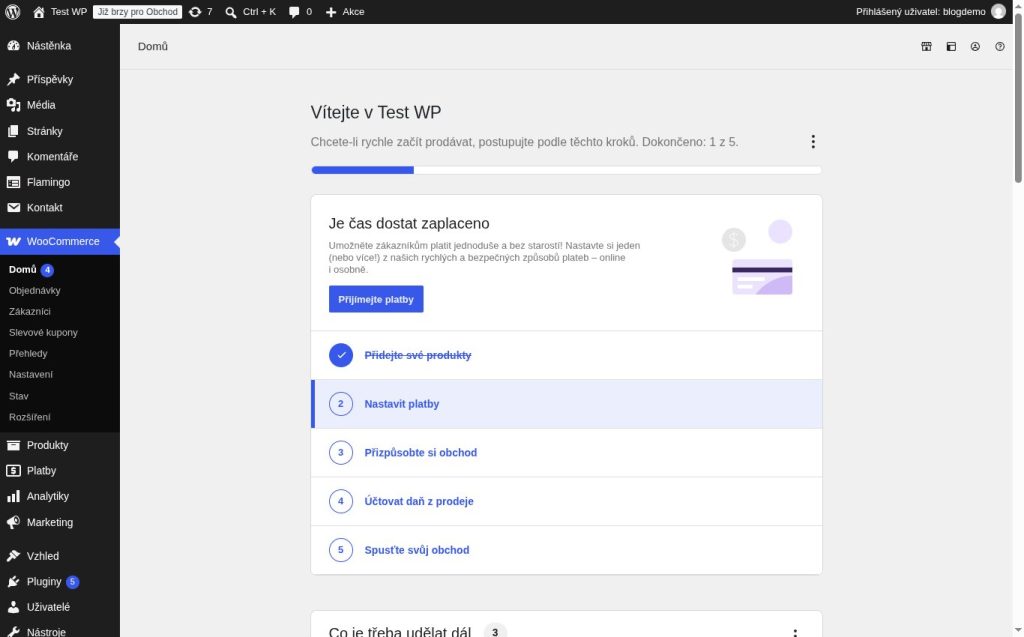
- They clicked WooCommerce → Home in the menu.
- WooCommerce decided the store had not been through its initial setup wizard yet and redirected them to the wizard instead of the dashboard.
- In the wizard they chose Skip guided setup and confirmed the country.
- Three seconds later, WooCommerce switched on Coming soon mode by itself.
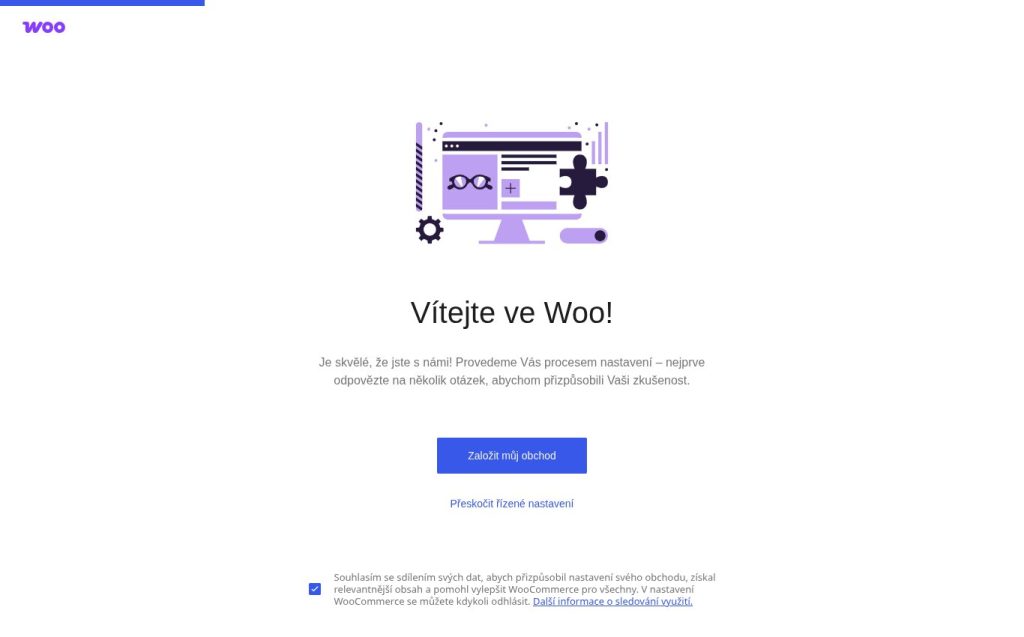
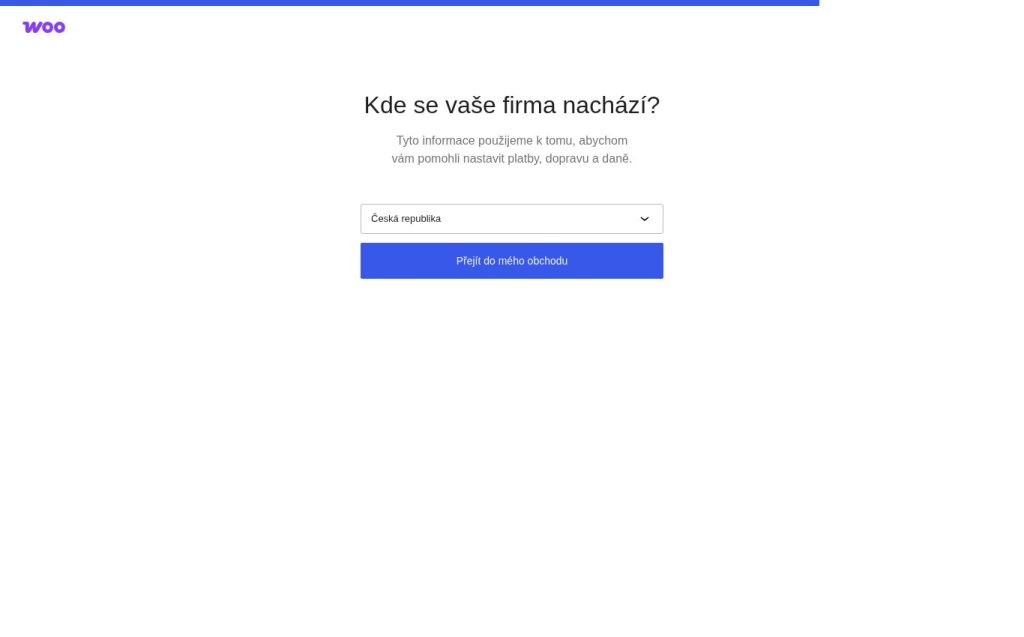
Seventeen seconds passed between opening the wizard and the shop closing. Nobody visited the visibility settings, nobody toggled anything. Someone just wanted to skip an annoying wizard and get on with their work.
Why was the wizard there in the first place? I built the site on my own computer and moved it to the server finished. Nobody ever completed the wizard on it, so WooCommerce considered the store new. And in its view, a new store belongs behind a “launching soon” page until someone explicitly launches it. Whether it already has orders behind it is not checked.
And the prices, too
The wizard did one more thing nobody noticed. When the country was confirmed, it overwrote the price format with the defaults for the Czech Republic. The shop showed prices without decimals, and after the wizard every price suddenly ended in “,00”.
So if you ever stumble into the wizard by accident, check WooCommerce → Settings → General afterwards too.
How to fix it right away
In WooCommerce, open Settings → Site visibility, switch to Live and save. If your site uses a cache (W3 Total Cache, WP Rocket and the like), clear it, otherwise visitors will keep getting stored pages with the closed shop for a while.
How to lock it for good
A shop that is already selling has no business being in this mode. So I did not want to rely on nobody ever clicking the wrong thing. I added a small mu-plugin to the site (a plugin WordPress always loads and that cannot be deactivated in the admin) with a single line:
<?php
add_filter('pre_option_woocommerce_coming_soon', static fn() => 'no');
Every time WordPress asks for this setting, it now gets “off”, whatever is stored in the database. The toggle in Site visibility stays visible but does nothing. The shop stays open even if someone goes through the wizard again.
One trap for developers: with this filter in place, you can no longer switch the setting back to “off” through WordPress. Before saving, WordPress compares the new value with the old one, and since the filter reports the old value as no too, it decides there is nothing to save. The database may still hold the Coming soon setting from the wizard. That does not matter while the mu-plugin is active. But before you ever remove it, set woocommerce_coming_soon to no in the database by hand, or the shop will close again.
The takeaway
When your site seems broken, clear the cache and look at it as a customer would. That means a private browser window, not logged in. A logged-in administrator sees a different site from your visitors.
Do not want to deal with the technical side of running an online shop, and want someone on hand who steps in quickly when something breaks? You can leave your shop in my care.